
Meishido
Your card datastays yours, for good.
Just scan a card with your camera and its details are recognized automatically. Your data is stored only on your iPhone, Mac, and your own iCloud — never sent to our servers.
No account. No subscription (Pro is a one-time purchase).
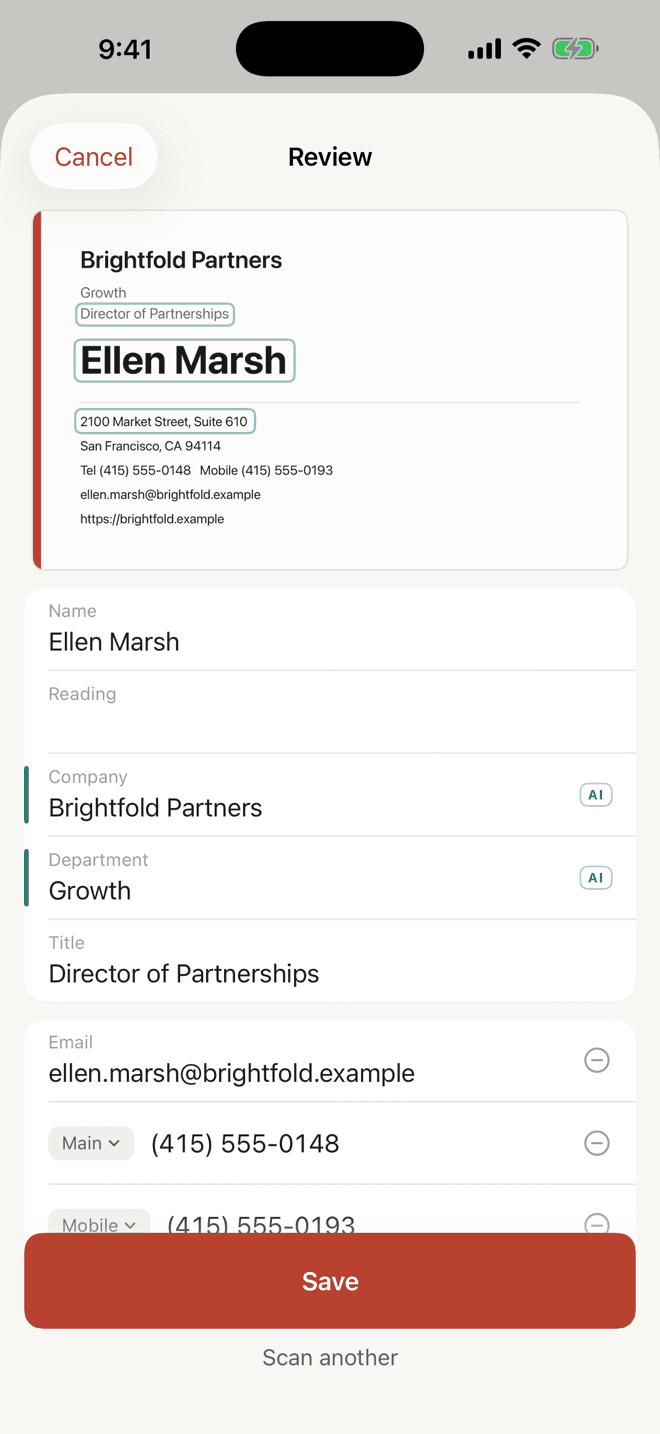
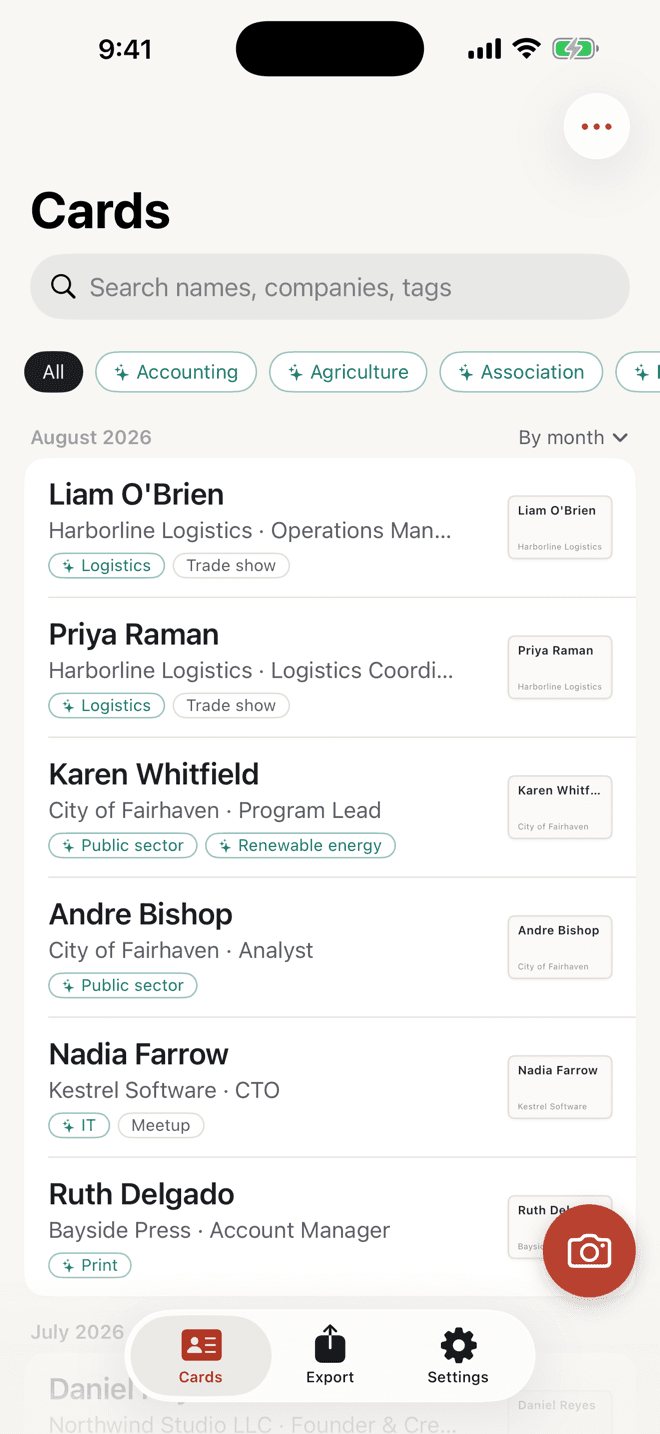
Scan. Tidy. Use.
Snap a card between meetings. Spelling variations and duplicates are tidied up for you, and everything is easy to find later.
Scan and recognize on the spot
Photograph a card or import one from your photo library — names, companies, titles, and contact details are recognized automatically on-device.
Auto-cleanup and duplicate checks
Variants like “Inc.” and “Incorporated” are evened out automatically, and Meishido flags duplicates before you save.
Date-stamped meeting notes
Log when you met and what you discussed, attached right to the card. Each card becomes a record of every conversation.
We don't runa server.
Privacy policy- Card data is stored only on your iPhone and Mac, and in your own iCloud account
- No communication with any server of ours — the app only talks to iCloud and the App Store
- Saving to Contacts is off by default; even when on, nothing leaves your device
- No usage-analytics or advertising SDKs are included
Pay once. No subscription.
Start for free, and buy Pro once when you need it. See the App Store for pricing.
Free, forever
Scanning and recognition, name cleanup and duplicate checks, search, meeting notes, sharing your card by QR or link, iCloud sync, and full export (CSV, vCard, JSON)
Pro (one-time purchase, iPhone and Mac)
Meeting-note summaries, follow-up email drafts, company relationship maps, exporting a hand-picked selection, “Send to Claude,” and the Claude Desktop extension for Mac
Frequently asked questions
Where is my business-card data stored?
Only on your own iPhone/Mac and your own iCloud account. It is never sent to arearun's servers.
Can I export all of my data?
Yes. From Export in Settings you can export everything as CSV, vCard, or JSON, for free. This will always remain free.
Does it work on a device without Apple Intelligence?
Yes. Scanning, saving, search, and export all work through rule-based processing, so the app remains fully usable even when AI features aren't available.
How do I use Pro on another device?
Tap Restore Purchases in Settings. A single purchase unlocks Pro on both your iPhone and Mac (universal purchase).
Need more help?
The support page covers common questions and how to contact us.
Meishido supportGet it on the App Store today.
Free to download for iPhone and Mac.